Home › Forums › Jevelin Theme › Image sizing problems
- This topic has 9 replies, 2 voices, and was last updated 7 years, 2 months ago by
Shufflehound Support.
- AuthorNOT RESOLVED Posts
- CakelabParticipant
Hi there,
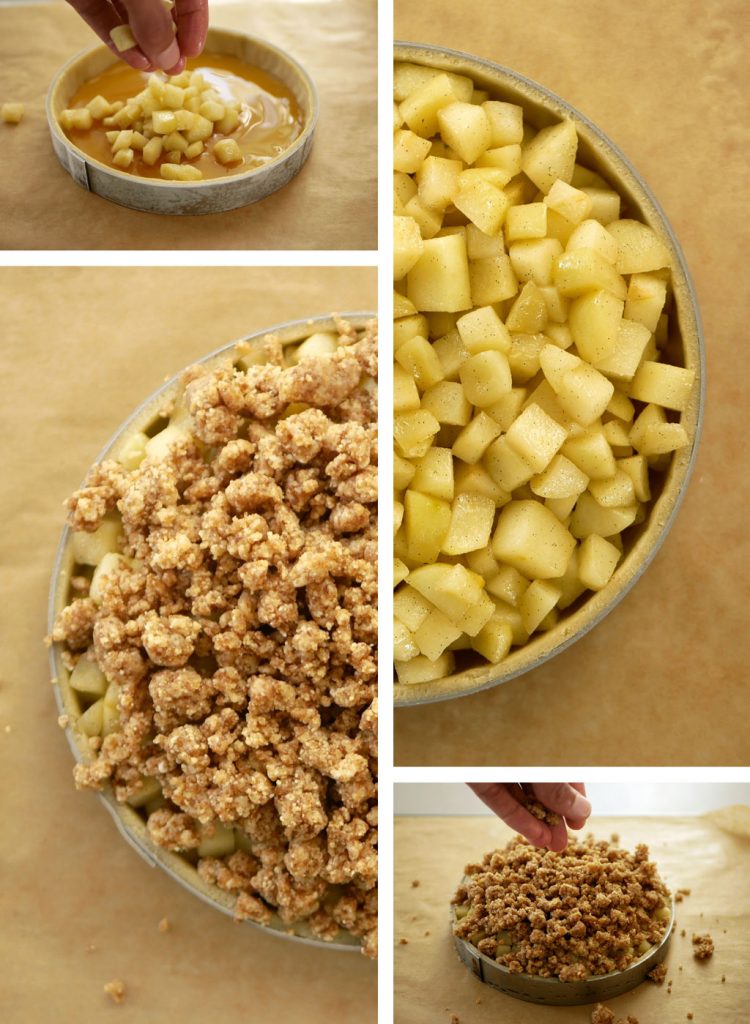
I usually upload images in this size: 1024 x 769. When I use a taller image in these dimensions: 1024 x 1400, the image looks narrower on bigger screens, like in the screenshot. Can you please help me with that?
Url:
https://cake-lab.org/pastries/apple-honey-tart/
Attachments:
You must be logged in to view attached files.Shufflehound SupportModeratorHi @Cakelab,
I hope you are well today and thank you for your question.
I am not sure I understood your question properly so could you please describe it a bit more?
Best regards,
Shufflehound teamShufflehound SupportModeratorThis may be because the image doesn’t have that much width.
Could you please share me the page URL from your site where it is displaying?
CakelabParticipantSorry about the later reply,
here’s the URL:
https://cake-lab.org/pastries/apple-honey-tart/
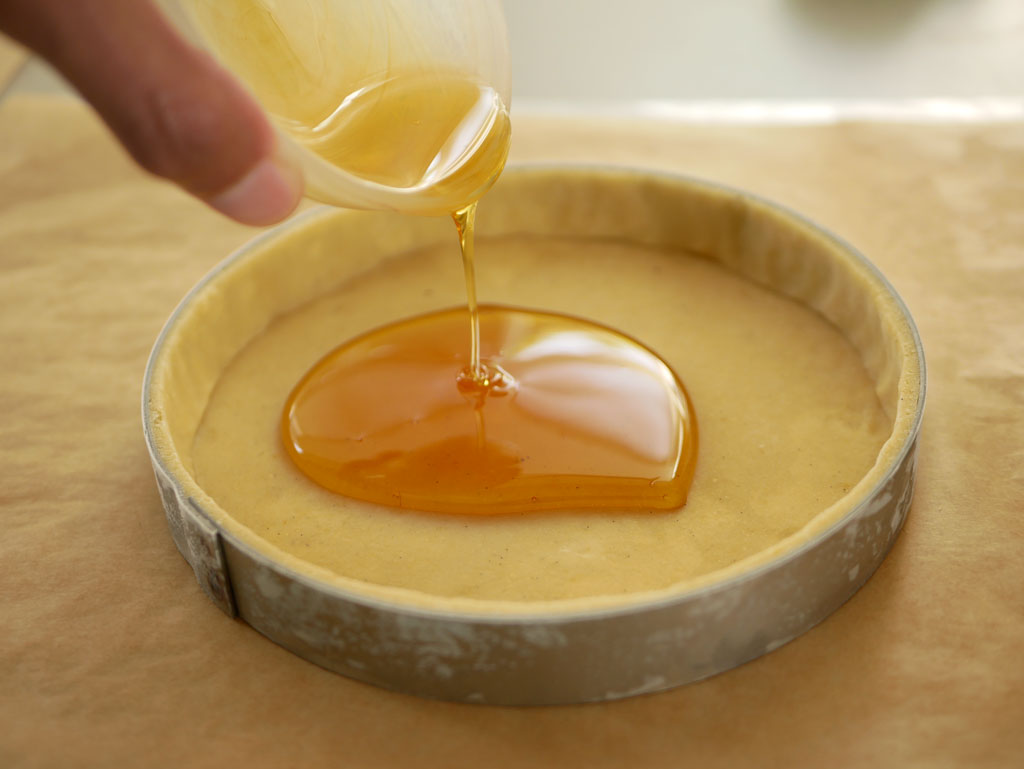
scroll down to the pictures and you’ll notice one of them is narrower than the others. Thanks for looking into this.
Shufflehound SupportModeratorThey are narrower because you have used those image having smaller width as displayed on the URL shared in the private reply.
CakelabParticipantNope, they are the same width as the other images, 1024.
They’re just taller.
Shufflehound SupportModeratorPlease visit the below two images and you will see the difference between their width.
https://cake-lab.org/wp-content/uploads/2018/09/Apple-6e-1-750×1024.jpg
https://cake-lab.org/wp-content/uploads/2018/09/Apple-5-1.jpg
CakelabParticipantYeah, I agree, they’re different when you look at them like that, but I do create them with the same width which is 1024 pixels, just with different height. Don’t worry about it, I’ll figure it out myself. Thanks anyway 🙂
Shufflehound SupportModeratorOK
- AuthorPosts